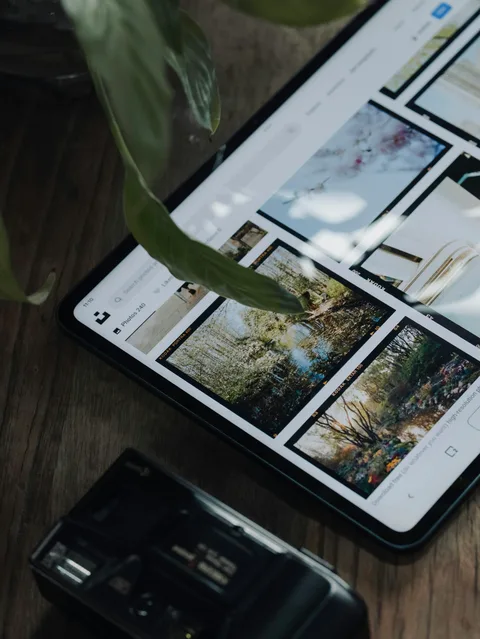
How to Organize Mission Photos Before Making a Book
The pictures are on a phone, in emails, and in three different albums. Here is a simple way to sort them into a collection you can actually use for your book.
Guides and notes about preserving missionary letters, family updates, photos, and keepsake books.
The pictures are on a phone, in emails, and in three different albums. Here is a simple way to sort them into a collection you can actually use for your book.

The book is almost ready! Before you order, use this checklist to catch missing letters, photo problems, and the small details you will want right in print.
Export your Instagram photo posts, choose the stories you want to keep, and add their captions, dates and photos to an existing Letters Home collection.
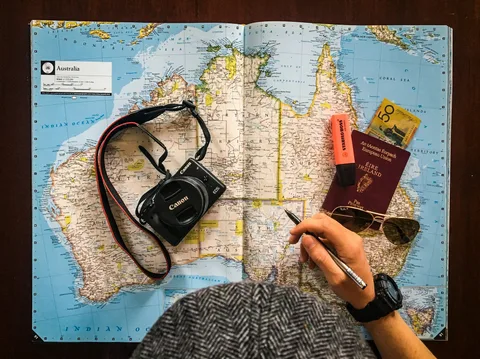
Help readers follow your mission letters. Add transfers and companions in Letters Home, assign letters, and choose how transfer sections appear in your book.
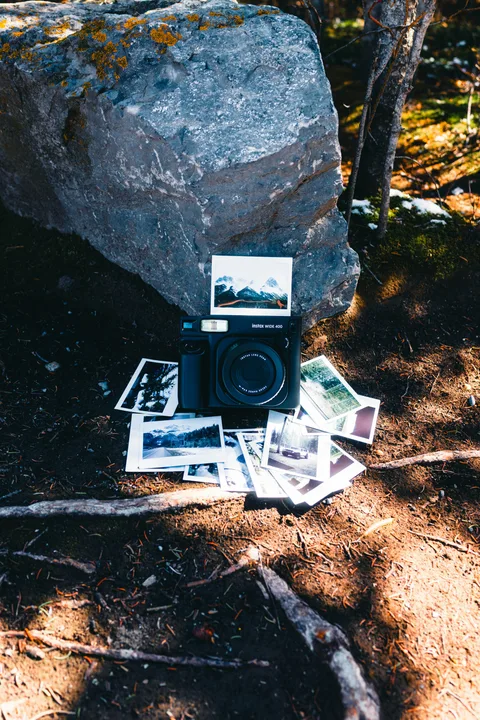
A few small habits can help your mission photos look better now and in a book later. Start with the light, the framing, and keeping the original files.
Military service, a semester abroad, volunteer work, or a long trip: the emails you send home can become a book of that season of your life.
Not sure what to write this week? Pick one or two of these 30 prompts and turn an ordinary moment into something your family will enjoy reading.
You do not need big news to write a good letter to your missionary. Try a little life from home, a simple question, and some encouragement. Example included!
Before you choose a cover, check how your emails and photos will get into the book. Here are the import, privacy, proof, and pricing details worth looking at.
The letters are ready, but the note at the front is still blank. Try these dedication ideas and examples to say why you wanted to keep the story.
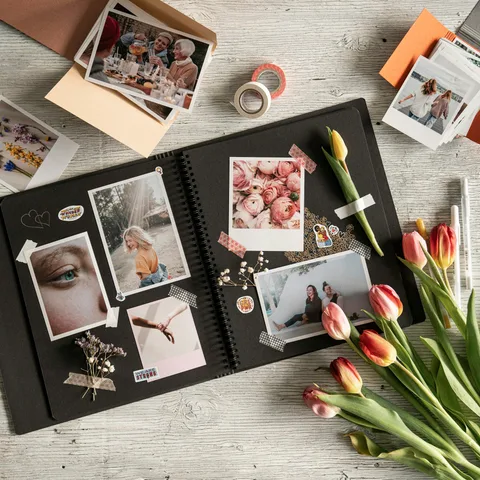
You remember why you took that photo today. A short caption can help you remember it years from now too. Try these simple examples for your mission book.
Want a copy of your Gmail messages you can keep? Google Takeout lets you export your email into an archive. Here is how to request it, download it, and store it safely.
It is time to write home and you are not sure where to start. Copy this weekly email template, choose the parts you need, and make it sound like you.
Saving the email does not always mean you saved the pictures. Here is how to gather your mission letters, check the photos, and keep a copy for later.
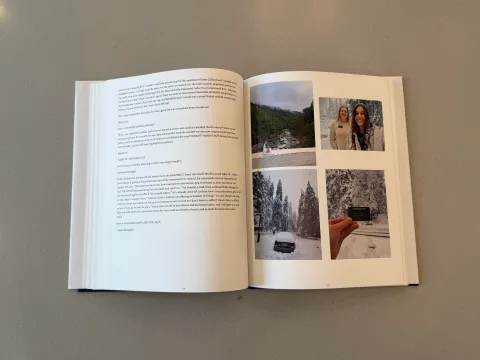
Gather saved missionary emails and photos, import them free, review the letters, and preview your book before deciding to print.
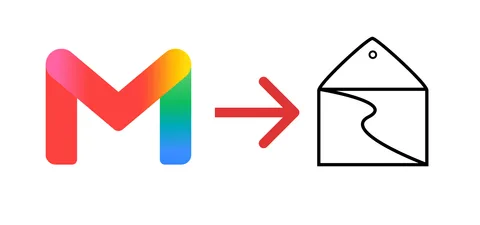
Use Google Takeout to export selected Gmail messages, then upload the saved archive to a free Letters Home collection and check it before making a book.
If you already write a weekly email, do you still need a journal? Here is how the two records can serve different purposes without creating more work than you want.

The weekly emails tell part of the story. These reflection questions can help a returned missionary add the memories and context that never made it into an update.
Have an old Blogger or Blogspot mission blog? This guide walks through downloading the archive, bringing it into Letters Home, and checking it before printing.
Your mission emails are already saved, so is a printed book worth making? Here is what a book adds and why I would still keep the digital files too.
Before your missionary leaves, make a small plan for the letters and photos coming home. This checklist will help you get the collection started.